
Remote work is normal across Central Florida now, from Lake Nona condos to older bungalows in College Park. A spare bedroom becomes a studio, and a garage corner becomes a desk. Setting up a home office Orlando storms and heat will not disrupt takes a little electrical planning. Most of the upgrades are quick, affordable, and permanent.
Below are the improvements that matter most, roughly in the order we recommend them. Work through the list before you buy another power strip.
Start With the Circuits Behind Your Desk
A modern desk pulls more power than people expect. Two monitors, a docking station, a laser printer, and a small fan add up quickly. Many older Orlando homes feed an entire bedroom from a single 15-amp circuit.
If the breaker trips whenever the printer wakes up, you already have your answer. A dedicated circuit fixes it, and it keeps your work gear off the same wire as the vacuum. Our guide to dedicated circuits explains how many a typical house needs.
Panel capacity comes next. A 1970s Orlando house may still run on a 100-amp service that never anticipated a home office. Adding circuits is simple when the panel has room, and a bigger project when it does not.
Add Outlets Instead of Daisy-Chained Cords
Extension cords under a rug are a hazard, not a solution. They trap heat, they get pinched by chair wheels, and they hide damage. Adding receptacles is usually a same-day job for a licensed electrician.
- Two or three new receptacles at desk height
- A dedicated circuit for the computer and network gear
- USB-C receptacles for laptops, phones, and headsets
- Tamper-resistant devices if children share the room
- A floor box when the desk sits away from a wall
Plan the layout before the work starts. Mark where the desk, the printer, and the router will actually live. Moving a receptacle later costs more than adding one now.
Surge Protection for a Home Office Orlando Storms Test
Central Florida leads the country in lightning strikes. Afternoon storms from June through September push spikes down utility lines and coax alike. A ten-dollar power strip will not stop that kind of hit.
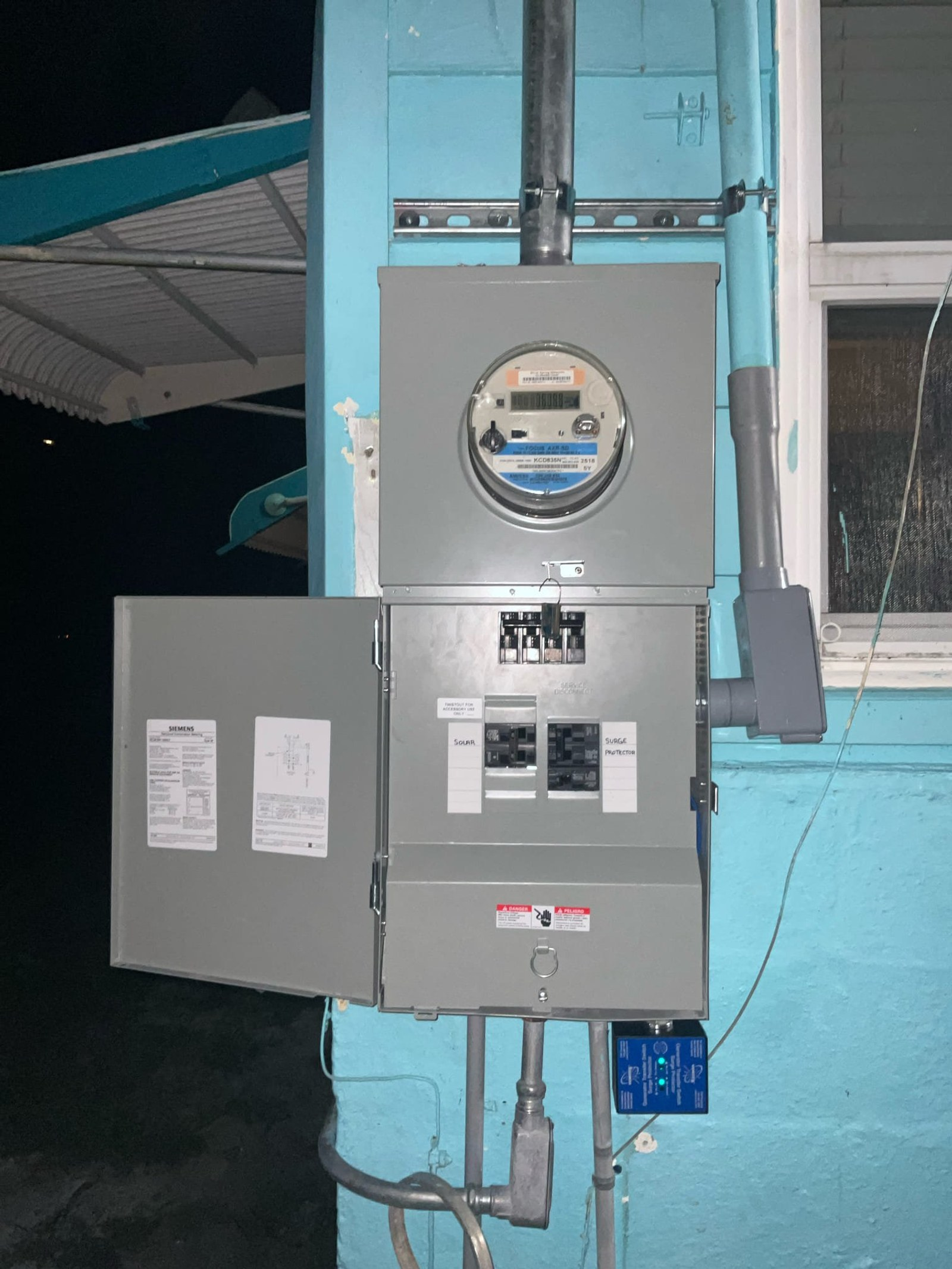
A surge protective device at the panel handles the large events. Point-of-use protectors at the desk catch what slips past. That layered approach is exactly what we describe in our article on whole-house surge protection.
Storm damage is rarely dramatic at first. One Sanford homeowner called about a flickering fixture and a chirping alarm after a storm. You can see how we traced and repaired that surge damage.
Backup Power for Hurricane Season
Outages arrive every storm season, and a dropped video call is the smallest problem. A battery backup gives you time to save files and shut down cleanly. It also protects the router and modem from a hard restart.
If your job cannot pause, a standby generator with an automatic transfer switch keeps the office and the air conditioning running. Size it against your real load, not a guess. An electrician can measure that in a single visit.
Pair backup power with surge protection, because the two work together. Utility power often returns with a jolt after a long outage. Protective devices at the panel absorb that hit before it reaches your workstation.
Heat, Cooling, and Converted Garages
Garage offices are popular here, and they are brutal in July. A ductless mini-split usually needs its own circuit and a properly sized disconnect. Adding one to an existing panel may require a load review first.
Ceiling fans help as well, but they must hang from a fan-rated box. Attic heat also cooks electronics, so keep network gear inside conditioned space. Equipment that runs cool simply lasts longer.
Watch the plug-in cooling habit too. A portable air conditioner on the same circuit as your computer is a recipe for a trip. Give heavy loads their own wire whenever possible.
Lighting That Looks Good on Camera
Layered lighting beats one overhead fixture every time. Combine ambient light, a task lamp, and daylight you can control with blinds. West-facing rooms get harsh afternoon glare in Florida, so plan for it.
Pick LED lamps with a consistent color temperature so video calls look natural. Dimmers give you control as the day changes. The Department of Energy offers a useful primer on efficient lighting choices.
Wiring, Data, and Safety Checks
Slow internet is sometimes a wiring problem rather than a provider problem. Running Cat6 to the office gives you a stable wired connection. It also frees the wireless network for everyone else in the house.
While an electrician is on site, confirm the basics. An electrical safety inspection checks grounding, GFCI coverage, panel condition, and smoke alarms. ESFI also publishes plain-language home electrical safety resources worth bookmarking.
Older houses in Winter Park, Maitland, and Belle Isle sometimes hide ungrounded two-prong outlets. A three-prong adapter does not create a ground. Correcting that is a safety fix, not a luxury.
Plan for the Next Two Years, Not Just Today
Workspaces grow. A second monitor, a 3D printer, or a partner sharing the room changes the load. Spare breaker space and one extra circuit now save a wall repair later.
A home office Orlando homeowners actually enjoy using starts with safe, correctly sized circuits. Everything else, from monitors to lighting, sits on top of that foundation.
Talk With a Licensed Orlando Electrician
Thomas Edison Electric helps homeowners in Orlando, Winter Park, Oviedo, and Altamonte Springs power their workspaces safely. We add circuits, install surge protection, run data lines, and upgrade panels. Call (407) 490-0004 to schedule a visit. Our Florida license number is EC13015487.